Live visuals
Visuals for LED Walls and Venue Screens
By Don Mupasi 4 min read Updated
Pixel maps, unusual aspect ratios, cropping, brightness and reliable installation playback.
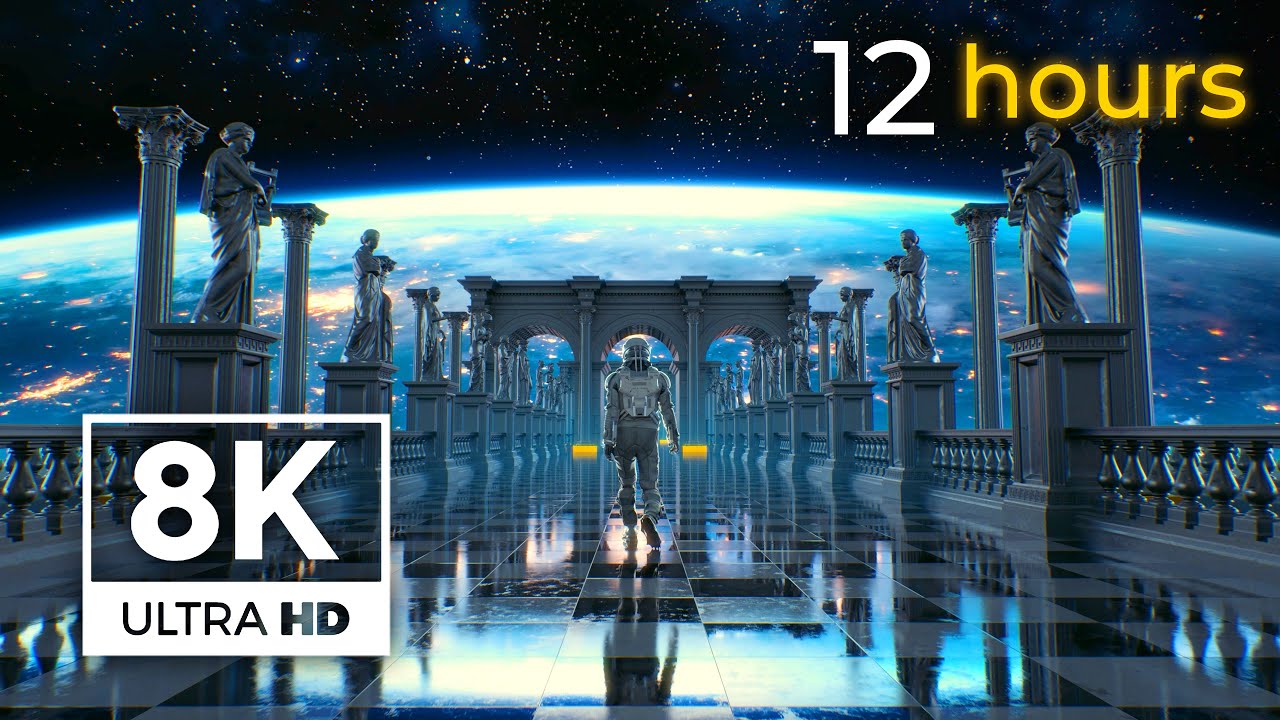
How to prepare looping visuals for LED walls, venue screens, projection and unusual aspect ratios.
Venue displays rarely behave like a normal television. An LED wall might be extremely wide, portrait, split across columns or built at a custom pixel size. The visual therefore needs to be chosen and mapped for the real canvas rather than stretched blindly across it.
Get the exact pixel map first
Ask the venue or technical supplier for the processor’s pixel dimensions, not only the physical size of the wall. A ten-metre display might be 3840 pixels wide, 5760 pixels wide or something entirely custom depending on its LED pitch and configuration.
Also ask whether one computer feeds the whole canvas, whether sections are mapped separately and whether there is a content-safe area. Build and test against that map before arriving at the venue.
Using 16:9 visuals on a wide LED wall
Aspect ratio changes the available frame
A 3840 × 2160 Visualdon loop is 16:9. On a much wider canvas you have three basic choices: crop the top and bottom, place the complete frame inside the canvas with unused space, or extend the design around it.
Cropping works best when the important action stays near the centre. Driving scenes and compositions with a strong horizon can lose essential detail on an ultra-wide crop. Abstract space, particles and environments with broad negative space are generally easier to adapt.
Do not stretch the image
Stretching a 16:9 image to an unrelated ratio changes the shape of every object and makes circular elements oval. Crop proportionally or create a composition at the target ratio. For some shows, duplicating or mirroring the visual into side panels is more convincing than distortion.
Resolution and viewing distance
The canvas resolution should match the processor output, but the source does not always need to equal every physical pixel. Large venue screens are often viewed from far away, which hides some detail loss. Cropping into a 4K source also gives more freedom than beginning with 1080p.
Avoid assuming that “4K” automatically fits the wall. The aspect ratio and pixel map are at least as important as the total number of pixels.
Brightness, contrast and compression
LED walls can be extremely bright. A visual that feels balanced on a laptop may overpower performers or crush subtle colour when shown at venue brightness. Test the wall level during rehearsal and preserve headroom for lighting changes.
Deep blacks and saturated neon colours can look excellent on LED, but gradients may reveal banding. If a media server or signal chain recompresses the content, fine noise and tiny particles can also become unstable. Use the highest-quality practical playback file and test through the actual processor where possible.
Playback codecs for live visuals
H.264 MP4 is convenient for delivering and previewing a loop. For multiple simultaneous layers, convert the source into the codec preferred by the playback system. Resolume is designed around DXV, while HAP is common in VDMX, TouchDesigner and other real-time tools.
Those formats create larger files but reduce decoding pressure during the show. Store them on a fast SSD and test the complete cue stack, not just one clip. The video-loop formats guide explains the trade-offs.
Building an uninterrupted installation
For a screen that runs all day, use a seamless file and make sure the player repeats it without inserting a black frame. Disable sleep, notifications and automatic updates on the playback machine. Where reliability matters, configure the player to relaunch after a restart and keep a tested copy of the media locally.
Longer loops make repetition less obvious, but a short abstract loop can still work if its cycle has no memorable event. Watch several repeats at full scale before approving the piece.
Licensing visuals for venues and events
A Visualdon loop licence permits use inside live shows, installations, VJ sets and paid client work. One licence covers one person using the source. If several operators or designers need access, each needs a licence.
You may deliver the rendered show content, but do not pass an unlicensed client the original source loop. Read the licensing guide, browse VJ loops, or explore every file in the 4K loop shop.