Class
Floating In Space
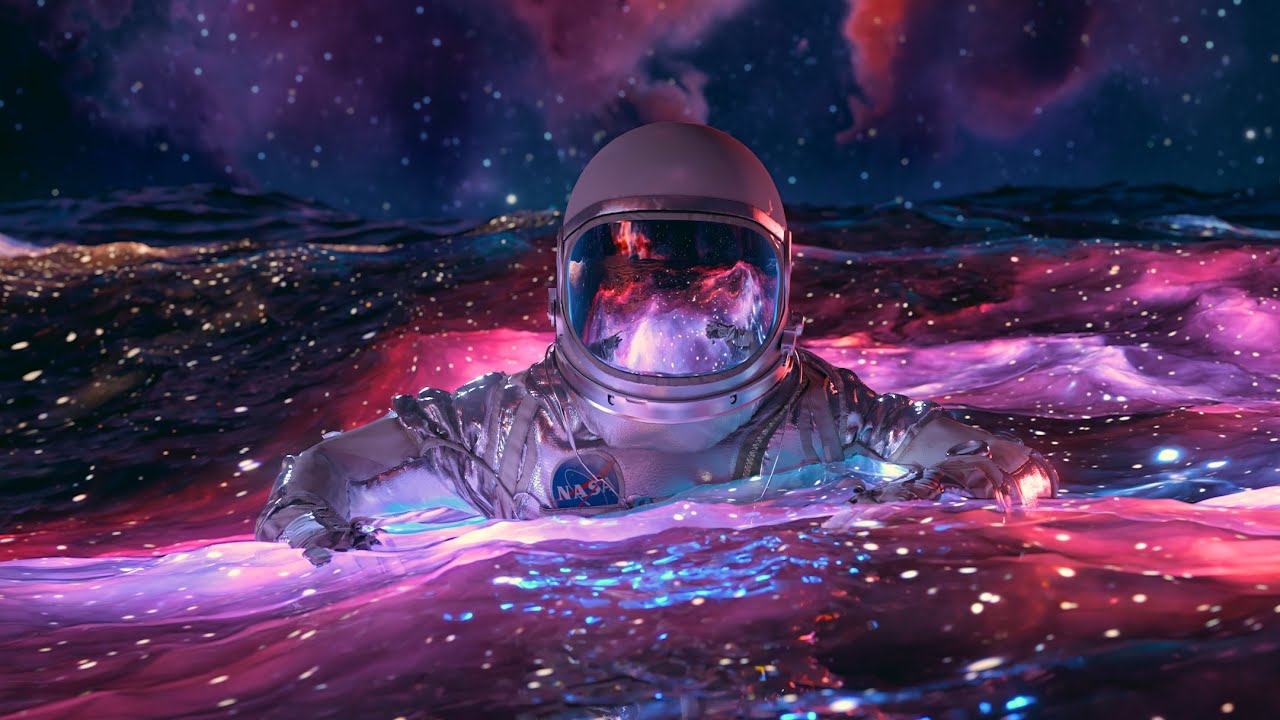
The astronaut on the glowing ocean, start to finish. Ocean simulation, rigging a character in Mixamo, Redshift materials for water and nebulae, then compositing the passes in After Effects.
Watch a free lesson 3 lessons free, no account needed
The astronaut piece, built from an empty scene. The ocean is simulated first, then a character is found and rigged in Mixamo, brought in, and timed against the water. The Redshift half is the longest stretch: the refractive water, the astronaut’s textures and visor, the nebulae and galaxies behind, the lighting, the camera tag and the final render settings.
It finishes in After Effects – importing the passes, using the depth pass as fog, colour, and the export settings I use for YouTube and Instagram. You need Cinema 4D, Redshift and After Effects; a free Mixamo account covers the character.
What is in it
Building the scene in Cinema 4D 16 lessons · 1h 38m
- 01 Intro Free 2:10
- 02 Installing Plugins 7:56
- 03 Overview, Layers, Final Look Free 5:26
- 04 Making The Ocean Sim 12:42
- 05 Adding Detail To Ocean Sim 1:31
- 06 Making Preview Renders 4:05
- 07 Finding A Character 4:08
- 08 Rigging With Mixamo 3:58
- 09 Import Character & Scale 8:51
- 10 Character Timing & Keyframes 3:25
- 11 Refractive Water Material 6:52
- 12 Attaching Character To Ocean 7:20
- 13 Camera Animation 9:53
- 14 Adjust Character Arms 8:01
- 15 Other Ocean Layers 10:31
- 16 Outro Free 1:18
Compositing in After Effects 6 lessons · 26m
- 17 After Effects 01 Import And Color Management 4:46
- 18 After Effects 02 Compositing And Color Adjustments 5:44
- 19 After Effects 03 Using Depth Pass As Fog 7:12
- 20 After Effects 04a Export From After Effects 2:24
- 21 After Effects 04b Editing In Premiere Pro, Proxies 4:03
- 22 After Effects 04c Best YouTube And Instagram Settings 2:17
Lighting & rendering in Redshift 15 lessons · 1h 21m
- 23 Redshift 01 Basic Nebula Material 5:44
- 24 Redshift 02 Basic Render Settings 9:08
- 25 Redshift 03 Main Nebula Material Continued 6:01
- 26 Redshift 04 Astronaut Image Textures 7:28
- 27 Redshift 05 Normal Maps & Bump 4:15
- 28 Redshift 06 Copying Materials 1:32
- 29 Redshift 07 Visor Material 1:36
- 30 Redshift 08b Large Water Layer 6:51
- 31 Redshift 09 Cleaning Up The Render 3:24
- 32 Redshift 10 Background Glowing Nebulas and Galaxies 8:24
- 33 Redshift 11 Lighting Copy 11:05
- 34 Redshift 12 Camera Tag 6:30
- 35 Redshift 13a Final Render Settings 4:56
- 36 Redshift 13b Redshift Denoising 2:34
- 37 Redshift 14 Final Output From Cinema 4D 2:01